

Accounting in a Google Sheet: a CRM with renewal reminders and one-click invoices
We built, and use ourselves, a CRM that reads the company's accounting Google Sheet once a day, recognises services and their expiry dates, shows what is due for renewal and prepares an invoice or a pro-forma invoice with one click. Staff and the accountant keep working in the sheet — the CRM only reads it and never changes it. It suits any company that keeps its records in a cloud spreadsheet.
- ~110clients in one list
- ~140active services with dates
- 130+dates come straight from the sheet
- 0renewals missed since July 2026
The brief
Records lived in a shared Google Sheet: what was ordered, when it was paid, the invoice number, which services run until when. Several people edit the sheet. To see whose service was expiring and who needed an invoice, someone had to scan the whole sheet by hand, then fill in an invoice template and check the number.
The solution
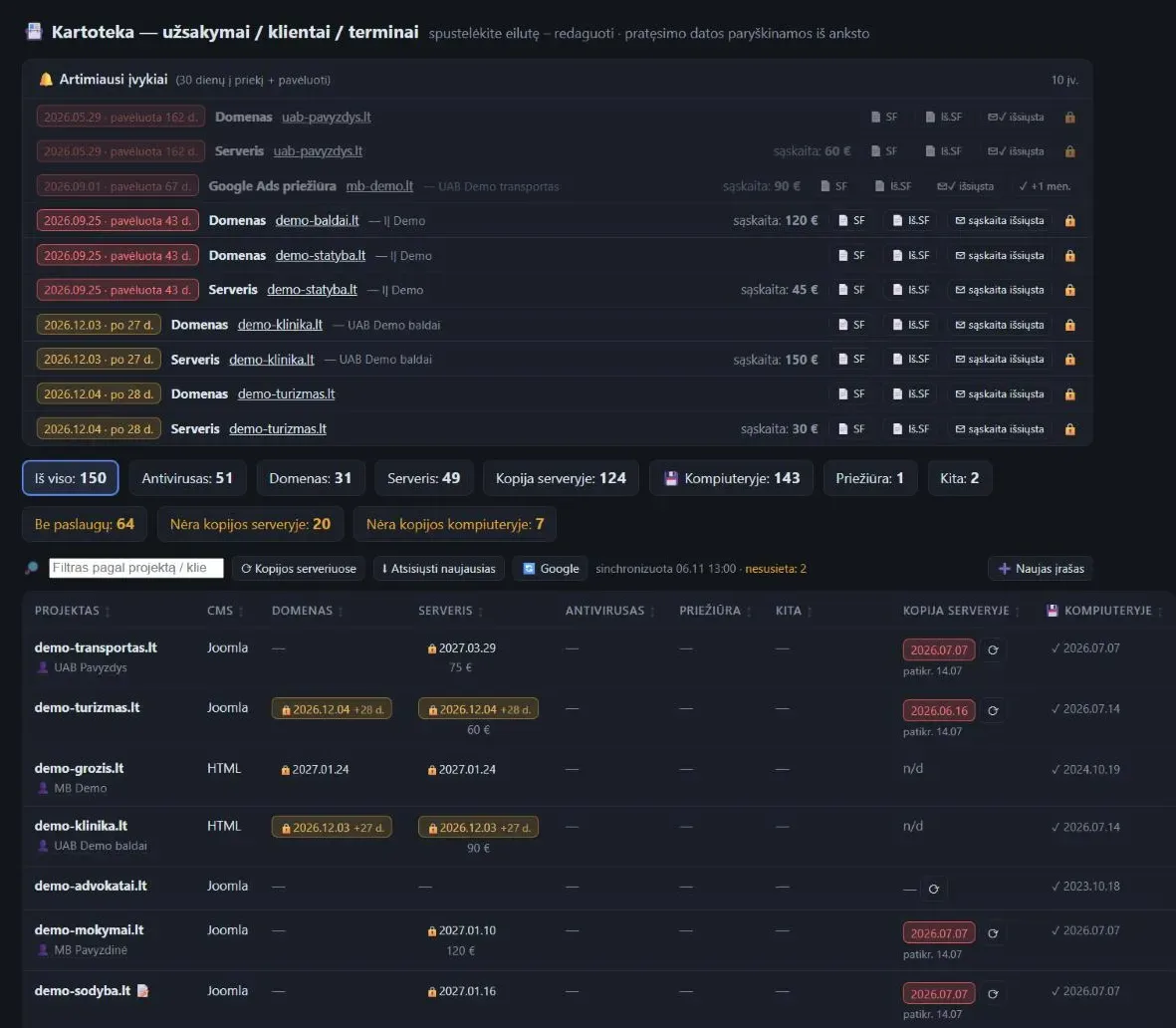
Reading the sheet. Once a day (and on a button) the CRM downloads the published sheet tab, finds columns by their headers, maps service names to types (server, domain, antivirus, maintenance, Google Ads, etc.) and matches rows to client records. Services and dates come from the sheet; the price is kept in the client card in the CRM. Unrecognised rows are not lost — they are listed separately. On a network error nothing is changed.
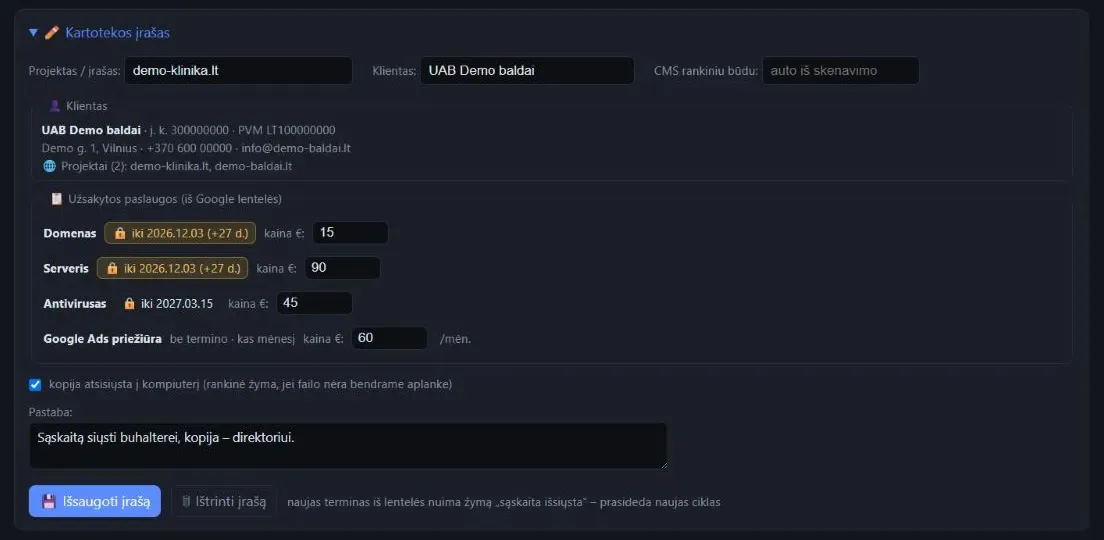
The sheet is the source of truth. Dates from the sheet are locked in the CRM (🔒): renewals are made in the sheet, not in the CRM. A new date starts a new cycle automatically — the "invoice issued / sent" marks are cleared.
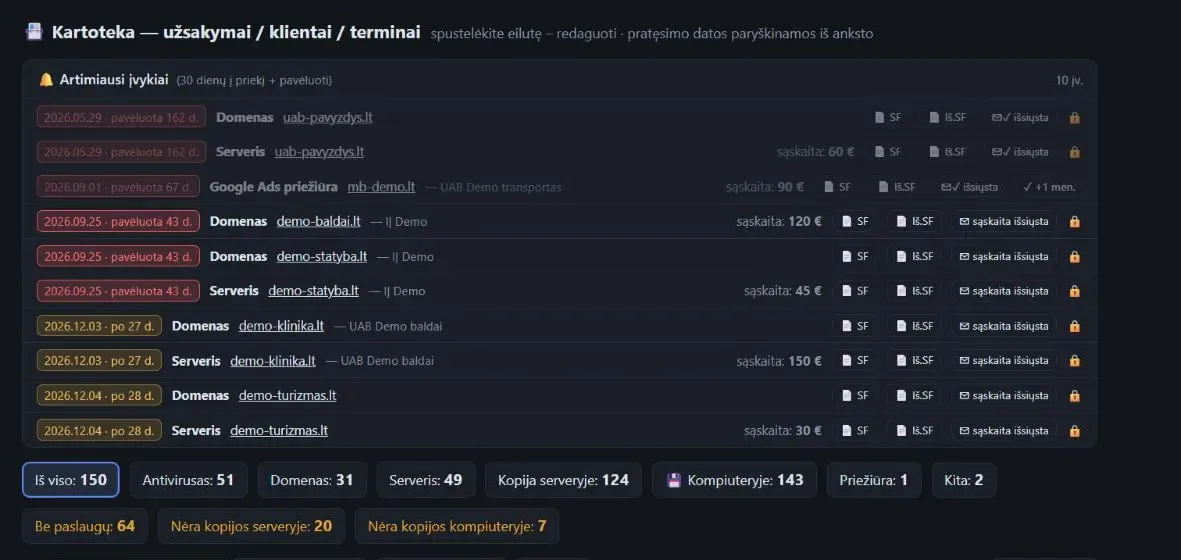
Reminders. The "Upcoming events" panel lists everything that expires within 30 days or is overdue, colour-coded (30 / 7 / 3 days, overdue). Filters: by service, no services, no backup.
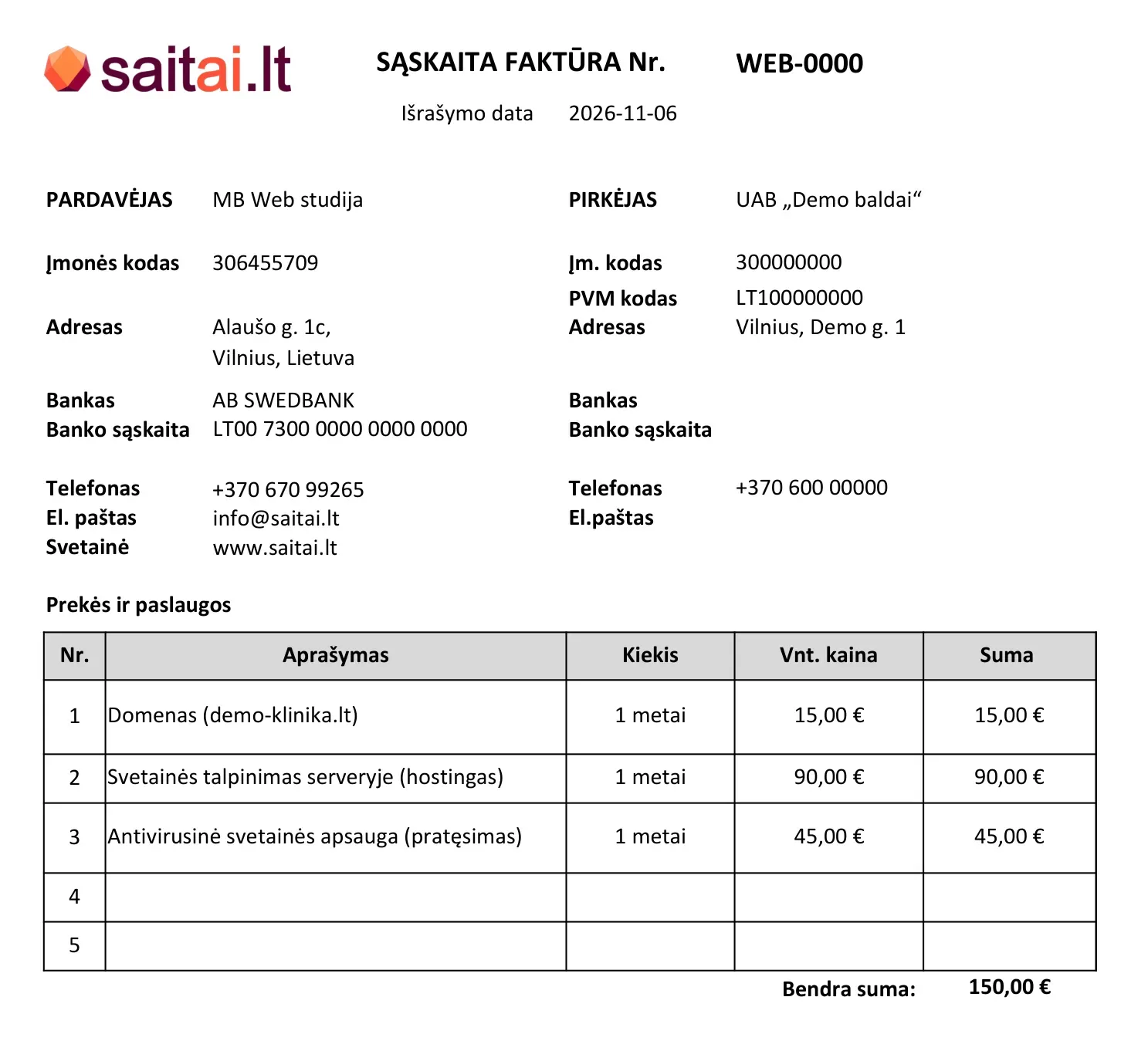
One-click invoice. From the client card (company details) and the services expiring within 60 days, the CRM fills the company's invoice or pro-forma template, takes the next number from the invoice folder, saves it to the year folder and opens it for review. An existing file is never overwritten.
Folders on the computer. Invoices and pro-formas go to their own folders by year. The backup folder is scanned: you can see when the last backup was made and where it is — on the server or on the computer.
What a person checks. Staff and the accountant fill in the sheet. A person reviews every invoice in Excel, saves the PDF and sends it; the "sent" mark is set by hand. Unrecognised rows are reviewed and fixed in the sheet.
Integrations and modules
- Google Sheets (published CSV, read-only)
- Excel template (.xlsx, openpyxl)
- File folders: invoices, pro-forma invoices, backups
- FTP (checking backups on servers)
Result
~140 services and ~110 clients in one list with dates; 130+ dates come straight from the sheet. Not a single renewal missed since launch in July 2026. Every day you see what expires within 30 days and what is overdue, without opening the sheet. An invoice or a pro-forma invoice in one click, with the correct number. In the owner's estimate, it saves several hours a month on checking dates and filling in invoices. Budget: in-house development. A similar solution for a client starts at €990 (sheet and CRM); with reminders and invoices, €1,500–2,500.
What we would add with AI today
An idea: the system works by rules, without AI. In addition, AI could help recognise non-standard service names in the sheet and draft a reminder email to the client — the final decision would still be made by a person.
Google Sheets CRM
Screenshots
-
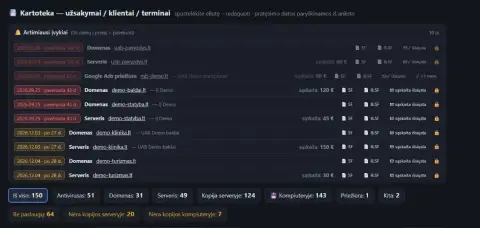
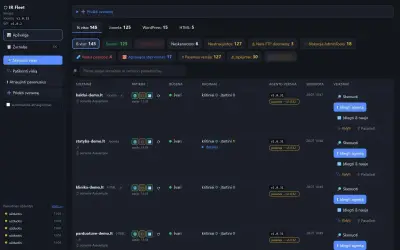
CRM "Upcoming events" panel: colour-coded dates and invoice buttons (demo data) -
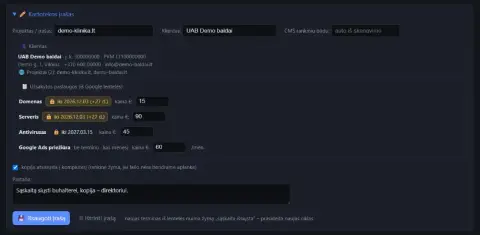
CRM record: a client and services from the Google Sheet with locked dates (demo data) -
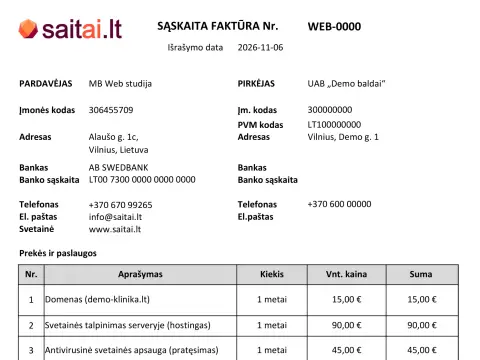
An invoice prepared with one click from the company template (demo data)

FAQ
Frequently asked questions
Does the CRM change my Google Sheet?
No. The CRM only reads the published sheet tab, and staff and the accountant keep filling in the sheet. Dates from the sheet are locked in the CRM — renewals are made in the sheet.
How often does the CRM refresh data from the sheet?
Once a day and on a button. On a network error nothing is changed, and unrecognised rows are not lost — they are listed separately.
Is the invoice sent to the client automatically?
No. The CRM prepares an invoice or a pro-forma invoice and opens it for review in Excel. A person saves the PDF and sends it, and sets the "sent" mark by hand.
How much does a similar solution cost?
From €990 (sheet and CRM); with reminders and invoices, €1,500–2,500. In our case it was in-house development that took about 1–2 weeks.
Enquiry
A similar solution: a CRM that reads your Google Sheet
Tell us what you want to automate or connect – we will assess it and suggest where to start.
+370 670 99265Mon–Fri 9:00–18:00
info@saitai.ltWe reply within 1 working day
Alaušo g. 1C, LT-08424 VilniusMeetings by prior arrangement by phone only